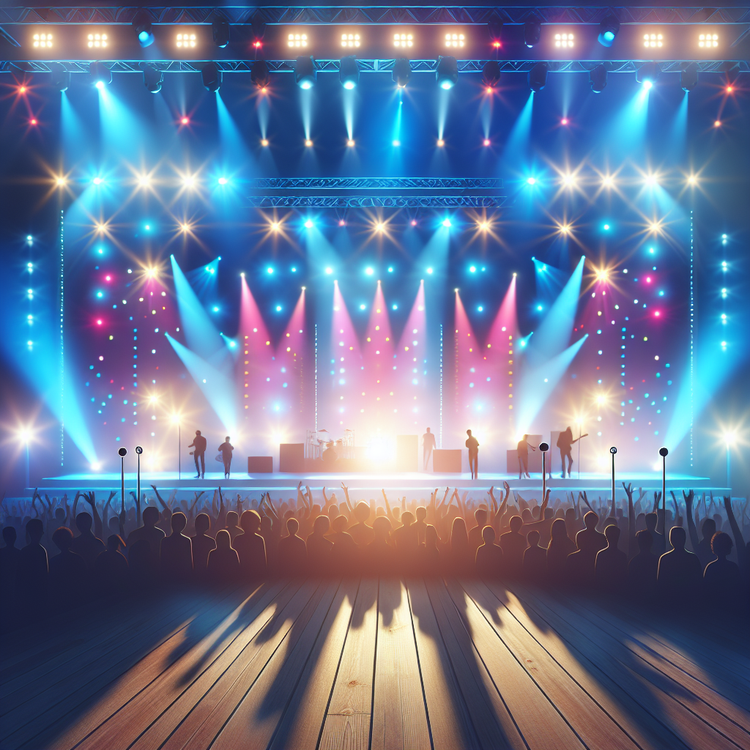


The new computer helper, called Dream Track, can make it sound like famous singers are singing new songs. It's like magic for music! YouTube also has another computer helper that can make music if you just hum a tune. They will put a special mark on music made by computers so everyone knows. People are talking a lot about computers making art, and YouTube wants to make sure they do it the right way.
Original news source: YouTube tests AI tool that clones pop stars' voices (BBC)
📖 Vocabulary:
Group or Classroom Activities
Warm-up Activities:
– Charades
Instructions: Divide the class into two teams. Write down different actions or activities related to the article on small pieces of paper and put them in a bowl. One student from each team will take turns picking a piece of paper and silently acting out the action or activity for their team to guess. The team that guesses correctly gets a point. The team with the most points at the end wins.
– News Summary
Instructions: In pairs, have students take turns summarizing the main points of the article to each other. They can use their own words and should try to include as much information as possible. After each student has given their summary, they can compare and discuss any differences or similarities in their understanding of the article.
– Vocabulary Pictionary
Instructions: Write down key vocabulary words from the article on the board. Divide the class into small groups. Each group will take turns choosing a word and drawing it on the board without using any letters or numbers. The other groups must guess the word based on the drawing. The group that guesses correctly gets a point. The group with the most points at the end wins.
– Pros and Cons
Instructions: Divide the class into small groups. Each group will discuss the pros and cons of computers being able to make art, as mentioned in the article. They can write down their ideas and then share them with the class. Encourage students to provide reasons for their opinions and to listen and respond respectfully to others' opinions.
– Future Predictions
Instructions: In pairs, have students take turns making predictions about the future of computer-generated art. They can use the information from the article and their own ideas. Encourage them to explain their predictions and discuss any potential impacts on society, the music industry, or other areas.
🤔 Comprehension Questions:
🎧✍️ Listen and Fill in the Gaps:
YouTube made a new computer helper that can copy the singing of famous like Demi Lovato and Legend. Only a few people can use it right now. They can make little songs by telling the computer what words and feelings they want in the . Nine singers, like Charli XCX and Sia, said it's okay for the computer to use their singing voices. YouTube also said they will tell people when a video is by a computer and let them ask to take down videos that pretend to be real people. The new computer helper, Dream Track, can make it sound like famous singers are singing new songs. It's like magic for music! also has another computer helper that can make if you just hum a tune. They will put a special mark on music made by computers so everyone knows. People are talking a lot about computers making art, and YouTube wants to make they do it the right way.
💬 Discussion Questions:
1. What is a computer helper?
2. How would you feel if you could make your own songs using a computer helper?
3. Do you like singing? Why or why not?
4. What do you think about the computer helper being able to copy famous singers' voices?
5. How would you feel if someone made a video pretending to be you?
6. What do you think about computers making music?
7. How would you feel if a computer made a song that sounded like your favorite singer?
8. Do you think it's important for people to know when a video is made by a computer? Why or why not?
9. How would you feel if you could make music just by humming a tune?
10. What do you think about YouTube wanting to make sure computers make art the right way?
11. Do you think it's fair for computers to copy famous singers' voices? Why or why not?
12. How would you feel if you could ask a computer helper to make a song about your favorite things?
Individual Activities
📖💭 Vocabulary Meanings:
Click a dot next to a word, then click the dot next to its meaning to draw a line connecting them.
Words
Meanings
🔡 Multiple Choice Questions:
🕵️ True or False Questions:
📝 Write a Summary:
Write a summary of this news article in two sentences.
Check your writing now with the best free AI for English writing!